Medical Devices & Patient Monitoring
IDEO & Nellcor: Pulse Oximetry in the Hospital
Contextual human factors research for the next generation of a bedside pulse oximeter
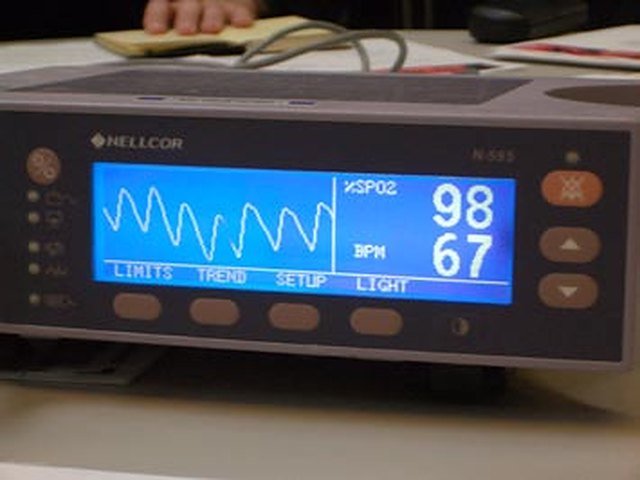
Business Challenge: the Nellcor N-595 was a bedside pulse oximeter found in many of the hospitals we visited. For Project Spark, Nellcor asked IDEO to find opportunities for its next generation, based on the observed needs of the people who use it, not only on input from Nellcor’s own team and sales force.
Result: a human factors report, organized by area of care, with issues and opportunities for each, and five design directions for the display, settings, modes of use and controls. Follow-up research was planned to gather practitioner feedback on prototypes.
A pulse oximeter clips onto a finger, toe or earlobe and shows two numbers: how saturated the blood is with oxygen (SpO2) and the pulse rate. It is one of the most widely used monitors in a hospital, and one of the least noticed. To design the next one, we needed to see how it was actually used, by whom, and what got in the way.
Research across the hospital
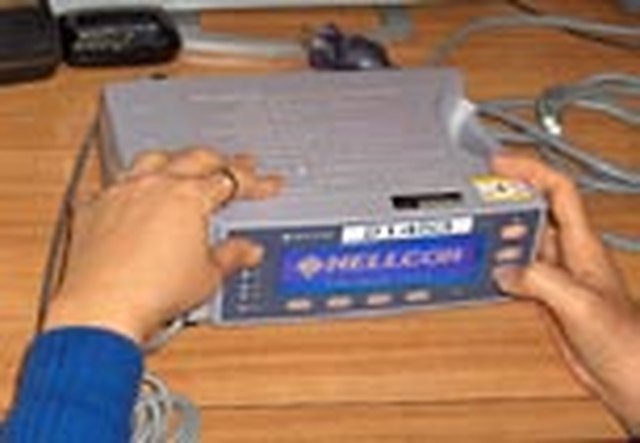
Our research team was two people, an engineer and me. The plan called for at least three hospital sites; we visited eight, in California and Pennsylvania, and invited an anesthesiologist to IDEO for an interaction design analysis. We didn’t limit ourselves to Nellcor customers, and we looked at many other kinds of monitoring equipment to compare what worked well and what didn’t. We witnessed open-heart and arthroscopic surgery and intubations, and followed the oximeter from storage to the bedside and back.
Where
- Teaching hospitals and large private medical centers
- A children’s hospital with one of California’s largest NICUs
- A Veterans Affairs health care system
- An independent community hospital
- An outpatient surgery center
Who
- Physicians
- Anesthesiologists, a pain management director
- Nurses
- ICU, recovery, remote monitoring, nurse managers and assistants
- Respiratory care
- Therapists, technicians, pulmonary lab
- Biomed engineers
- Who set up, test and track every unit
- Patients
- Including an ICU patient
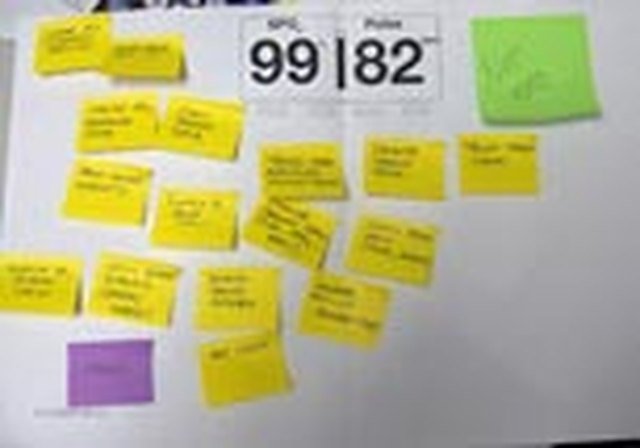
Observations and comments fell into recurring themes, and those patterns shaped where we looked next:
- Trust
- Context
- Usability
- Integration
- Interaction
- Ergonomics
- Management
- Simplicity
- Portability
- Importance
Every unit uses the oximeter differently
The same box meant something different in each area of care. Many nurses wanted only the number; respiratory therapists used the widest range of functions; anesthesiologists wanted detail and precision.
| Area | What we saw | Opportunity |
|---|---|---|
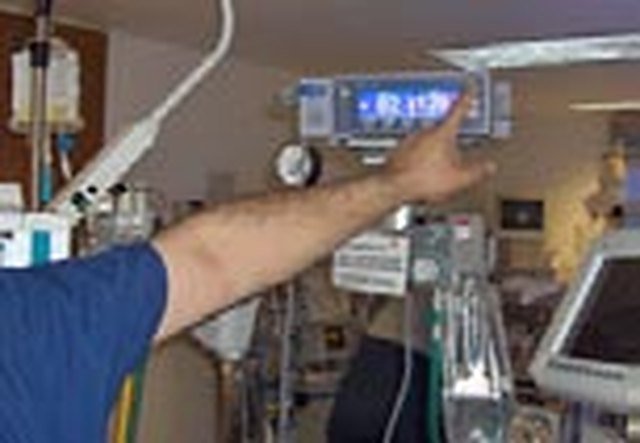
| Neonatal ICU | Crowded rooms with many alarms sounding at once. Monitors were mounted 6 feet high to be seen across the room, and staff reported shoulder strain from reaching them. | Larger numbers readable at a distance, flexible mounting, one switch for infant settings |
| Pediatric ICU | An eight-year-old might share a room with an eight-month-old, and adult overflow patients arrived too. Families were frightened by alarms; visiting children played with cords. | Adult and child settings without menus, a way to lock settings, a remote alarm or longer cable |
| Adult ICU | A nurse cares for two patients at a time. In isolation rooms, a nuisance alarm can mean gowning up again just to silence it. Physicians wanted trends. | Trends shown with the current reading, alarms controlled from outside the room, a remote alarm light |
| Respiratory care | Units traveled with patients and came back with settings changed and nothing on screen to show it. Instructions for rarely used functions were taped to the box. | Current settings always visible, distinct clinical and diagnostic modes |
| Operating room | A web of cables, and every machine with a different interface. Clinicians missed the tactile, audible feedback of mechanical controls. | A precise dial, tactile buttons and audible confirmation of selections |
| Recovery | A noisy, high-traffic room where new nurses are trained. Alarms were hard to locate and readings were charted by hand. | A large, high-contrast number-only mode, a visual alarm, data download for the patient record |
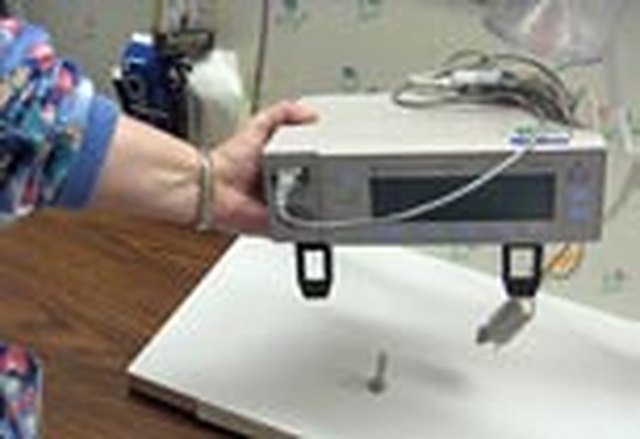
| Biomed engineering | Biomed sets each unit to hospital standards, tests, cleans and tracks it. Changing a battery meant taking the components out. | A battery door, better cord wrapping, clamps for poles and beds |
- “Parents get involved. They become familiar with the equipment, and they will silence the alarms.”Neonatal ICU
- “Our oximeters end up all over the hospital, as patients are transferred to other floors. They come back with settings changed all the time.”Respiratory care
- “Digital is unsettling. I want the tactile feedback, visual and sound. We use all our senses in the OR.”Operating room
- “The number misses the point. It isn’t an absolute; it’s about the trend.”Biomed engineering
Problems that crossed every unit
Some of the most important findings came from workarounds: rubber bands, tape, carts and sticky notes that staff had improvised because the device didn’t support what they needed.
Five design directions
- Adjustable display optionsChange the size of the data, its arrangement, the visual cues for alarms and the menu choices, so the oximeter is easier to read and better represents the patient’s condition.
- Show current settings and trendsLet a nurse see at a glance whether the oximeter is set for a child or an adult, and give the momentary number meaning by showing the trend, so the device becomes a proactive tool rather than only an alarm.
- Distinct modes of useDiagnostic use is very different from clinical care. Organize features by mode, with a simplified view for those who only need the number.
- Design with large flat screens in mindHospitals were moving toward large, high-resolution displays in corridors and nurses’ stations, and people linked larger displays with state-of-the-art technology.
- Recreate the Nellcor knobPractitioners everywhere preferred a tactile control that offered precision, quick access and confirmation of each action.
This research was done in 2005, but the method still holds. Many of the observations are what human factors practice today would treat as use-related risks: an alarm whose source can’t be found, settings carried from one patient to the next without any indication, surfaces that are hard to clean, and heavy lifts. Watching real people in real environments, including the workarounds they invent, is still the most reliable way to find them before a design is locked.
Postscript: the N-600x, cleared by the FDA in 2006, kept the N-595’s body and buttons while adding a real-time trend view and on-screen help. Nellcor’s bedside SpO2 monitor, cleared in 2012 after Nellcor became part of Covidien, introduced a jog dial, a high-contrast color screen readable from many angles, a built-in handle, a lighter body and in-house battery replacement, all directions this research recommended.